

A patient often visits an orthopedic clinic website when something already feels wrong. Maybe their knee hurts. Maybe their shoulder feels weak. Maybe their child broke a bone during sports.
Maybe an older parent needs help walking without pain.
In that moment, the website must do more than look nice. It must guide, comfort, and help the patient take action. This is why orthopedic website design matters so much.
A strong website turns worry into trust. It helps people understand what the clinic does, who the doctors are, and how to book an appointment without stress.
Why the Website Must Build Trust Quickly

If the website seems slow, disorganized, or disorienting, visitors may wonder about the clinic’s reliability. They might question if the clinic delivers the same service as indicated on the website.
That may not always be fair, but it happens. A clean, modern, and simple website makes the clinic feel more professional right away.
Good website design gives patients a clear path. It does not force them to search for basic details.
It shows the phone number, appointment button, doctor information, services, and location in places where people expect to find them.
When patients can move around the site easily, they feel more in control. That feeling matters because many patients come to the site while they are in pain or under pressure.
Start With a Simple and Clear Homepage
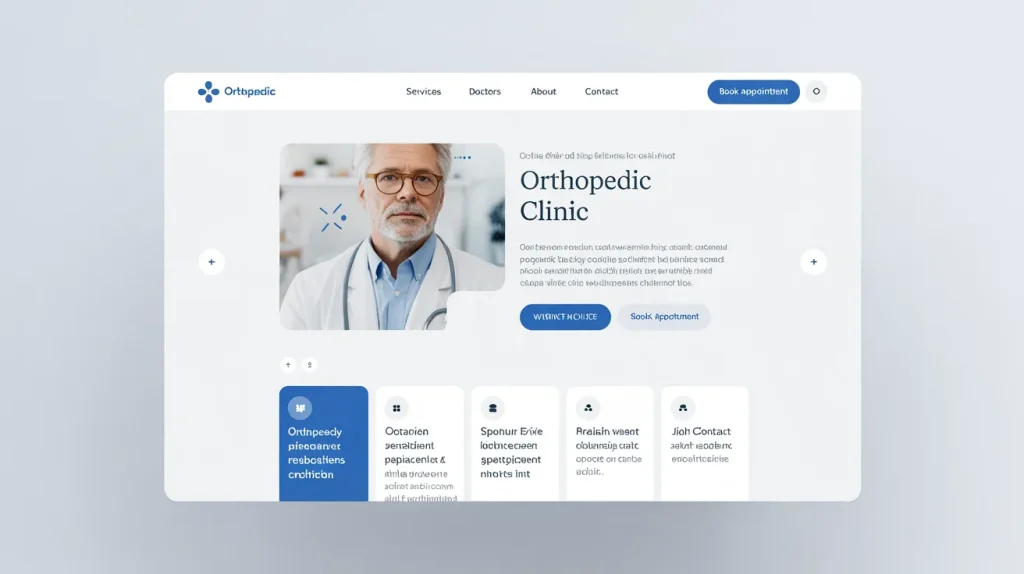
The home page should immediately make patients aware of who you are, what you treat, and how patients can obtain assistance. Make the message short, polite, and readable.
Show services like joint pain, sports injuries, fractures, spine care, and orthopedic surgery. Make the appointment button clear and easy to click.
A smart design of an orthopedic website is like a front desk. It accepts visitors, establishes trust through doctor photos and reviews, and leads patients to book care.
Make Navigation Easy for Every Patient
The navigation should be like a map. Patients should not have to click multiple times to locate services, doctors, locations, insurance information, or to schedule appointments.
Avoid using complex labels such as “Health Services” or “Likely Doctor and Treatment”. An effective orthopedic website design is geared toward the way actual patients search.
Someone may look for back pain, broken bone care, or a sports injury specialist. When the website makes these paths easy, visitors stay longer, feel less confused, and trust the clinic more.
Design Should Be Mobile-Responsive
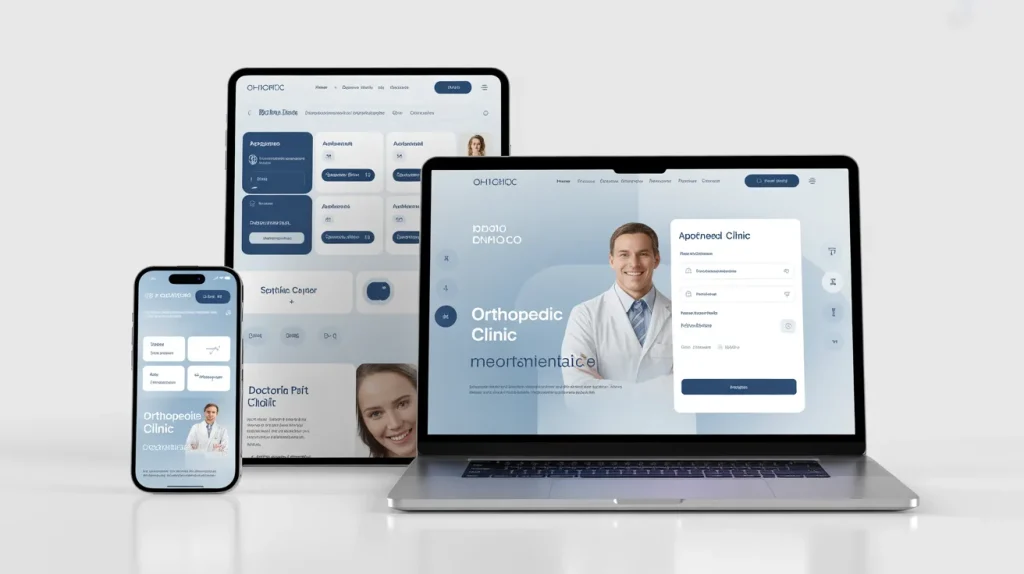
Many patients search for orthopedic care on their phones, sometimes while they are already in pain. The website must look clean and work smoothly on small screens.
Use large buttons, readable text, short sections, fast-loading images, and clickable phone numbers. The appointment button should stay easy to find.
Strong website design prioritizes mobile users. When the mobile experience feels simple, patients can call, book, read doctor profiles, or get directions without any frustration.
Use Words Patients Understand
Orthopedic care can sound confusing when pages use too many medical terms. Patients may not understand words like arthroscopy, osteoarthritis, spinal stenosis, or rotator cuff repair.
Explain these topics in simple language. For example, describe a procedure as using small tools and a tiny camera to treat a knee problem.
Good orthopedic website design combines clear writing, helpful headings, and simple visuals.
Patients want answers they can understand, including why they hurt, what treatment may help, and when to see a doctor.
Create Strong Doctor Profile Pages
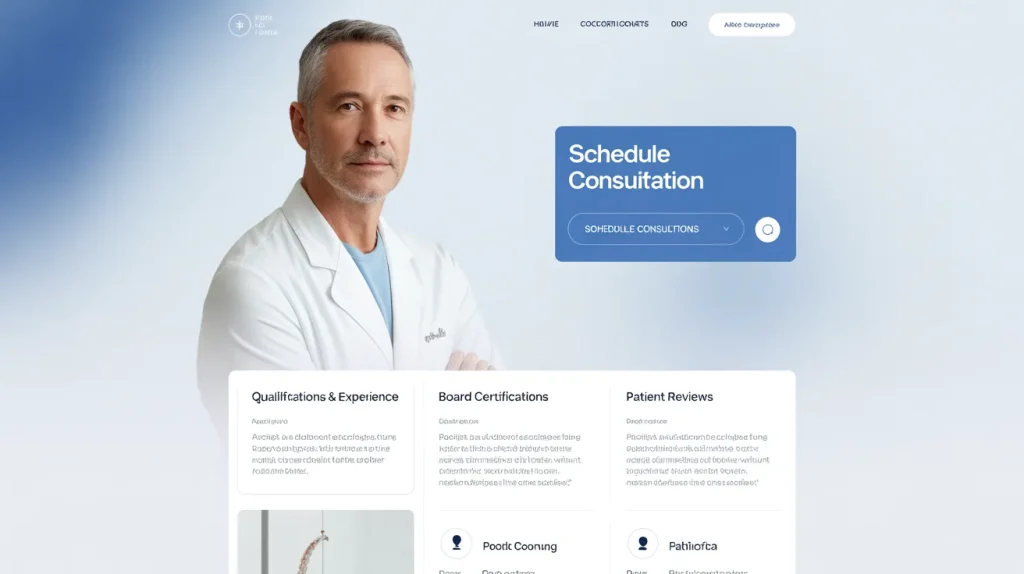
Many patients choose the doctor before they choose the clinic. A doctor profile should feel warm, complete, and trustworthy. It should include the doctor’s photo, specialty, education, training, certifications, experience, and treatment areas.
But facts alone are not enough. The profile should also show the doctor’s care style.
- Does the doctor focus on non-surgical treatments first?
- Does the doctor help athletes return to play?
- Does the doctor work with older adults who want to move better?
These details help patients feel connected before they ever walk into the clinic.
Smart orthopedic website design makes doctor pages easy to scan. Add appointment buttons, office locations, accepted insurance details, and links to related services.
A patient reading about a knee specialist should be able to book with that doctor right from the page.
Build Service Pages That Answer Real Questions
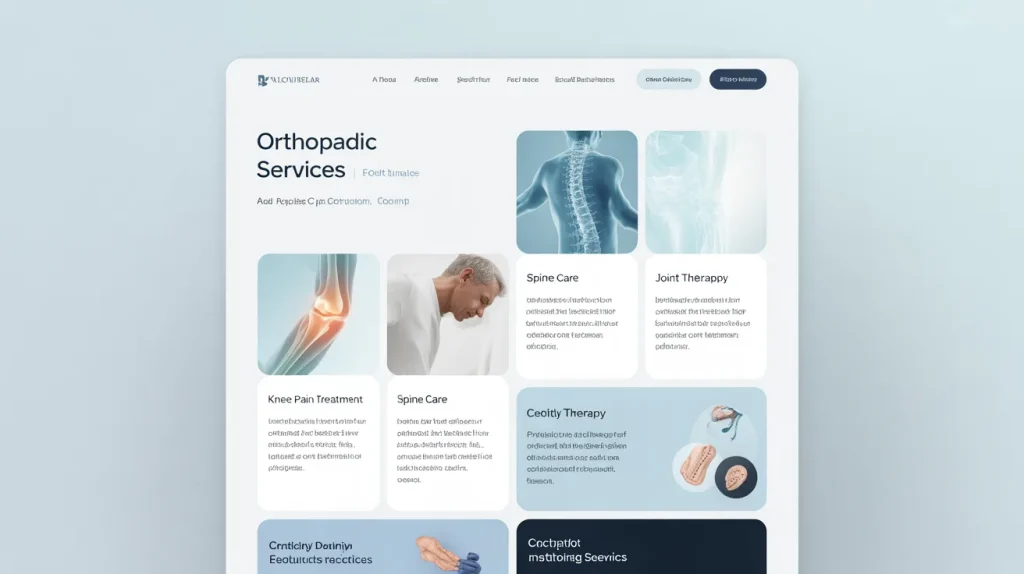
Service pages are some of the most important pages on an orthopedic website. They help patients understand what the clinic treats and how the care process works. Each major service should have its own page, such as knee care, hip care, shoulder care, spine care, sports medicine, fracture care, arthritis care, joint replacement, and physical therapy.
Each page should answer simple patient questions, such as:
- What is the problem?
- What symptoms should a patient watch for?
- What causes it?
- How does the doctor diagnose it?
- What treatments are available?
- When should the patient book an appointment?
Effective orthopedic website design turns these service pages into helpful guides. The pages should educate patients, not scare them. Use clear images, simple treatment explanations, and a strong appointment button near the top and bottom of each page.
Make Appointment Booking Simple
A patient-friendly website must make booking easy. If patients struggle to schedule, they may leave and call another clinic. The appointment process should feel quick, clear, and safe.
The website should offer more than one way to contact the clinic. Some patients want to call. Some want to fill out a form. Some may prefer online scheduling.
The website should support these habits. Place appointment buttons in the header, homepage, doctor pages, service pages, and contact page.
Good website design removes extra steps. Do not ask for too much information in the first form.
Name, phone number, email, preferred location, and reason for visit may be enough to start. A short form feels less stressful, especially for patients who are already dealing with pain.
Show Location and Insurance Details Clearly
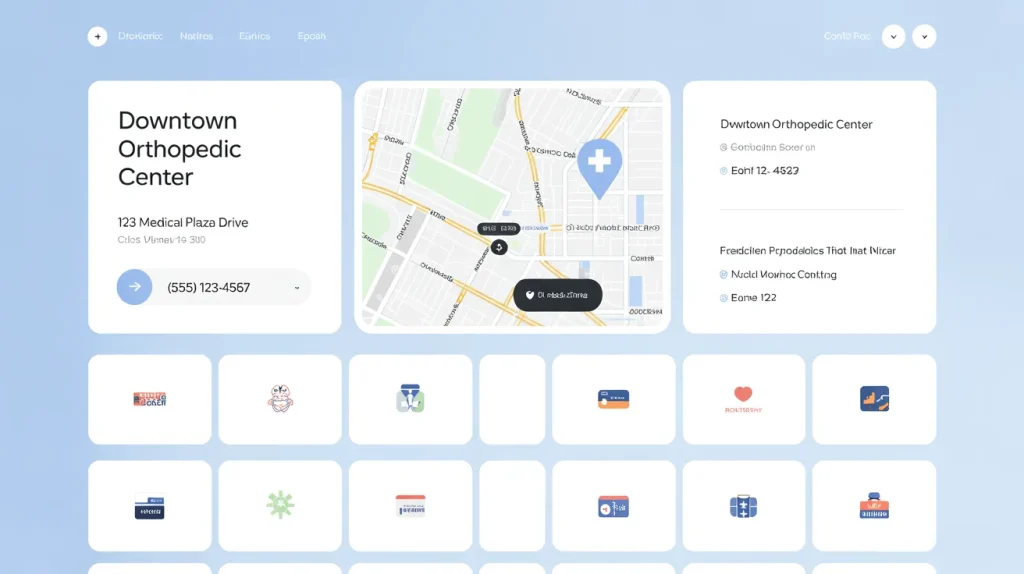
Patients need practical information before they book. They want to know where the clinic is, how far it is, where to park, what hours are available, and whether the clinic accepts their insurance.
A strong location page should include the address, map, phone number, hours, parking information, and services offered at that location. If the clinic has several offices, each location should have its own page.
This part of the orthopedic website design also helps local search. When people search for an orthopedic doctor near them, strong location pages can help the clinic appear in local results.
Insurance information also matters. Even a simple page that says “Accepted Insurance Plans” can reduce phone calls and patient confusion.
Make the Website Accessible to More People
A medical website should work for as many people as possible. Some visitors may be older. Some may have poor eyesight. Some may use a screen reader. Some may have trouble using a mouse. A patient-friendly site considers all of them.
Use readable fonts, strong contrast, clear buttons, and organized headings. Add text descriptions for images. Make sure forms work with keyboards. Avoid tiny text and crowded layouts. Keep the design calm and clean.
Thoughtful website design respects every patient. It does not make people work hard to get help. It creates a smooth experience for someone with sharp vision, weak vision, fast internet, slow internet, a large screen, or a small phone.
Use Photos and Visuals with Purpose
Photos can make an orthopedic website feel warm and real. Use pictures of actual doctors, staff, clinic spaces, exam rooms, and patient-friendly care moments when possible. Real images often build more trust than generic stock photos.
Visuals should support the message. A photo of a smiling doctor can help patients feel welcome.
A simple diagram can explain knee pain better than a long paragraph. Icons can help visitors spot services quickly. But too many images can slow the site down, so every visual should have a clear purpose.
Strong orthopedic website design balances beauty and speed. The site should look professional, but it should also load fast and stay easy to use.
Avoid Common Design Mistakes
Some orthopedic websites lose patients because they make simple mistakes. These mistakes can make the website feel confusing, slow, or hard to trust.
Common mistakes include:
- Using too much medical jargon
- Hiding the phone number
- Making appointment forms too long
- Using small text that older patients may struggle to read
- Showing outdated doctor information
- Adding large images that slow down the website
- Using fancy animations that distract patients
- Making appointment buttons hard to find
- Creating confusing menus with too many options
The best website design stays focused on the patient journey. Patients want help, not confusion. They want clear answers, simple steps, and an easy way to book care. Every page should guide the visitor from concern to understanding and then toward action.
Conclusion
A great orthopedic website does not just decorate a clinic’s online presence. It works like a helpful guide. It welcomes patients, explains care clearly, introduces doctors, shows locations, protects information, and makes booking simple.
Patients visit the site because they need answers. They may feel nervous, tired, or in pain. A strong website meets them with clarity and confidence.
When clinics invest in the right content, layout, speed, mobile experience, and trust-building details, they create a better path for every patient who needs orthopedic care.
Frequently Asked Questions
Orthopedic website design is the process of creating a website for an orthopedic clinic, surgeon, or medical practice. It focuses on making the site easy to use, easy to understand, and helpful for patients who need care for bones, joints, muscles, spine problems, injuries, or pain.
Orthopedic website design is important because many patients visit a clinic’s website before they call or book an appointment. A clean, fast, and trustworthy website helps patients feel confident. It also makes it easier for them to find doctors, services, locations, insurance details, and appointment options.
An orthopedic website should include clear service pages, doctor profiles, appointment buttons, clinic locations, contact details, insurance information, patient reviews, mobile-friendly design, fast loading speed, and secure forms. It should also have simple content that explains conditions and treatments in a way patients can understand.
Good orthopedic website design improves patient experience by making the website simple, clear, and stress-free. Patients can quickly learn what the clinic treats, who the doctors are, where the clinic is located, and how to book an appointment. This saves time and helps patients feel more comfortable.
A patient-friendly medical website uses simple words, readable fonts, clear buttons, short forms, helpful service pages, and easy navigation. It should work well on phones and computers. It should also make patients feel safe, informed, and ready to take the next step.
Orthopedic website design helps attract new patients by making the clinic easier to find, trust, and contact online. Strong service pages can appear in search results when people look for help with knee pain, back pain, sports injuries, arthritis, or joint replacement. A professional website also helps visitors choose the clinic over competitors.
An orthopedic clinic website should include a homepage, about page, service pages, condition pages, treatment pages, doctor profile pages, location pages, insurance page, appointment page, contact page, and blog. These pages help patients understand the clinic and make a decision faster.
Orthopedic websites can improve appointment bookings by placing clear appointment buttons across the site. The form should be short and simple. The phone number should be clickable on mobile. Doctor pages, service pages, and location pages should all guide patients toward booking care.
The best design practices include using a clean layout, fast page speed, mobile-friendly design, simple navigation, clear calls to action, readable content, real doctor photos, patient reviews, secure forms, and helpful service pages. The website should look professional while staying easy for every patient to use.
Patients usually choose an orthopedic clinic online by checking the doctor’s experience, services offered, patient reviews, location, insurance options, and appointment availability. They also look for a website that feels trustworthy, clear, and easy to use. A confusing website can make patients leave, while a strong website can help them book with confidence.
Build a Patient-Friendly Orthopedic Website That Grows Your Practice
A strong healthcare website design helps patients quickly understand your services, trust your clinic, and take action without confusion. When your orthopedic website is clear, fast, and easy to navigate, it naturally turns visitors into booked appointments.
If your current website is not delivering results, it’s time to upgrade it into a patient-friendly experience that builds trust and supports real growth for your practice.
Let’s Create a Website That Brings You More Patients.